Deluxe Studio Content Setup: Green Screens and Lights
Grove’s Deluxe Studio isn’t only for bands. It doubles as a photo and video room, with backdrops and lights ready to go. Here’s what’s in there and how to use it.
What's in the room
- Two 10’x24′ green screens
- A 10’x24′ white screen and a 10’x24′ black screen (stored near the couch)
- A corner L stand and clips for clean green screen shoots (stored under the couch)
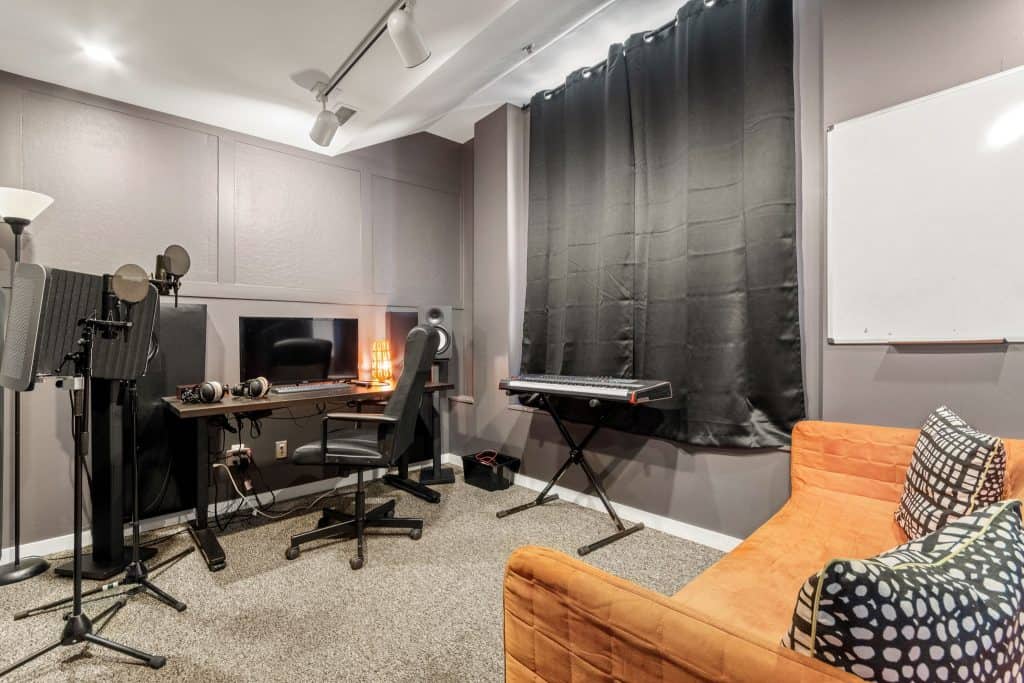
- A GVM 800D-RGB LED video light kit (two lights currently available, stored near the production desk)
How to set up your shoot
- 1. Pick your backdrop: green for keying, white or black for clean shots.
- 2. Use the corner L stand and clips for a clean green screen corner.
- 3. Set the two GVM lights. The RGB lets you match or color the scene.
- 4. Put everything back where you found it (screens near the couch, stand and clips under the couch, lights by the production desk).
Tips
Choose your backdrop before you touch anything else. Green is for keying. White and black are for clean shots. That one choice shapes the rest of the setup.
Play with the RGB lights. You can match the scene or color it, so a plain backdrop can take on a mood.
Then do the cleanup step. Grove isn’t staffed, so the next person walking in is counting on you to put the screens, stand, clips and lights back where they live. It’s the same courtesy you’d want.
Who it's for
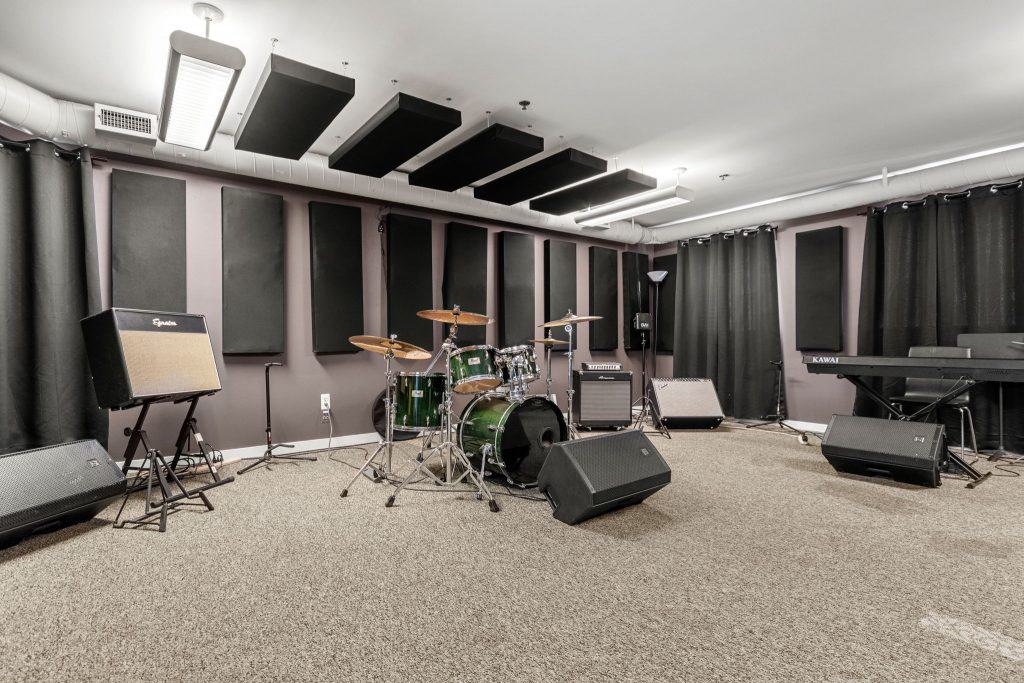
Anyone who wants to shoot video or photos. Musicians making a video to go with a release. Podcasters. Creators who need a clean backdrop. You don’t need to be technical, and you don’t need a big crew. Deluxe holds up to 8 people, so bring your people.
Pricing shifts by time of day, so check grovestudios.space for current rates. Night owls, we built this nest for you.
Ready to shoot? Book the Deluxe Studio. Bring your idea. See what happens.